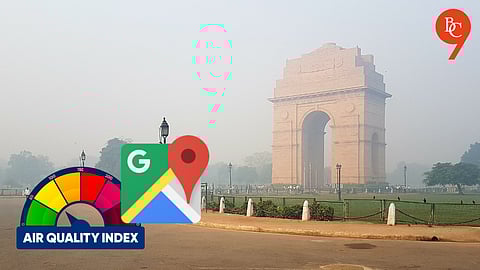


Air quality in northern India, especially in Delhi, has been deteriorating rapidly, making it harder for residents to breathe and navigate through daily commutes. While efforts to manage AQI levels continue, Google Maps offers a simple way for Delhi residents to track real-time Air Quality Index (AQI) in their area, helping them stay informed and take necessary precautions.
For those who commute daily, it's crucial to perform a quick AQI check via Google Maps. This application from Google notifies you of the most polluted regions, enabling you to take necessary precautions before leaving. This guide will explain how to view the AQI on Google Maps.
Google Maps features a scale from 0 to 500, displaying colors such as green, yellow, orange, and red to represent the air quality in your vicinity. A scale reading between 0 and 100 signifies safer air quality, indicated by a green color on your screen. However, if the scale approaches 500 and your screen turns entirely red, it is recommended to take precautions before venturing outside.
How to Check AQI on Google Maps
Method 1
Open Google Maps on your Android or iPhone.
Tap the 'layers' icon below your profile picture.
Select the "Air Quality" option from the menu that appears.
Method 2
On the Google Maps homepage, tap on the 'Explore' tab.
Look for the icon showing weather and “NAQI” and click on it.
You'll see the temperature of your area, with the "Air Quality" option listed below it.
Tap on "Air Quality" to view the current air quality in your location.
Air quality data updates every few minutes to reflect the latest conditions. Google notes that the map offers a more accurate snapshot of nearby AQI levels, as air quality can vary across locations and may not be fully captured by the nearest monitoring station.
